
Name-Based Case Searches
Saginaw County runs its public lookup on the Odyssey portal, reachable through the official Saginaw County Court Information Search. Pick Search Court Cases to reach the filing and case lookup screen. The county layer handles Circuit Civil, Circuit Criminal, District Civil, District Criminal, Probate, and Traffic. That covers nearly every local case type. Read the notice before you search. It says the display is public case information rather than the official record, and it suggests trying spelling variations when a name does not come up.
- Open the county Case Search form and choose a court category if it is known.
- Enter the party name in the displayed order: Last, First Middle Suffix.
- Use the ignore-date choices or add filing, closed-date, status, or court filters as needed.
- Review the returned case number, type, status, and location before opening a result.
- Use Events and Hearings to locate settings, then ask the responsible court for documents or confirmation.
Capitalization does not matter here. The search is case-insensitive. An asterisk works as a wildcard for a partial term, and the guide sets the minimum lengths: one character for a first name, three for a last name, and four for a case number.
Saginaw Case Search Field Map
Odyssey gives you more than a simple name box. The public Case Search form carries several documented filters worth learning. A focused query beats a broad common-name sweep, partly because the portal caps a result list at 200 entries.
| Field | Type | Required | Local use |
|---|---|---|---|
| Party Name | Text | Optional | Use Last, First Middle Suffix. |
| Case Number (any part) | Text | Optional | Allows a partial number. |
| Filed and closed dates | Date / checkbox | Form model dates with ignore options | Use the current form validation. |
| Court and status | Dropdown | Optional | Separates Circuit, District, Probate, and Traffic results. |
| Judge, bar number, agency | Dropdown / text | Optional | Use only when known. |
The Judge and Police Agency menus mix current, historical, and legacy-looking values. Use them to narrow results. Do not use them to guess at an official or an agency. The official Saginaw Case Search form shows the controls exactly as the county publishes them.
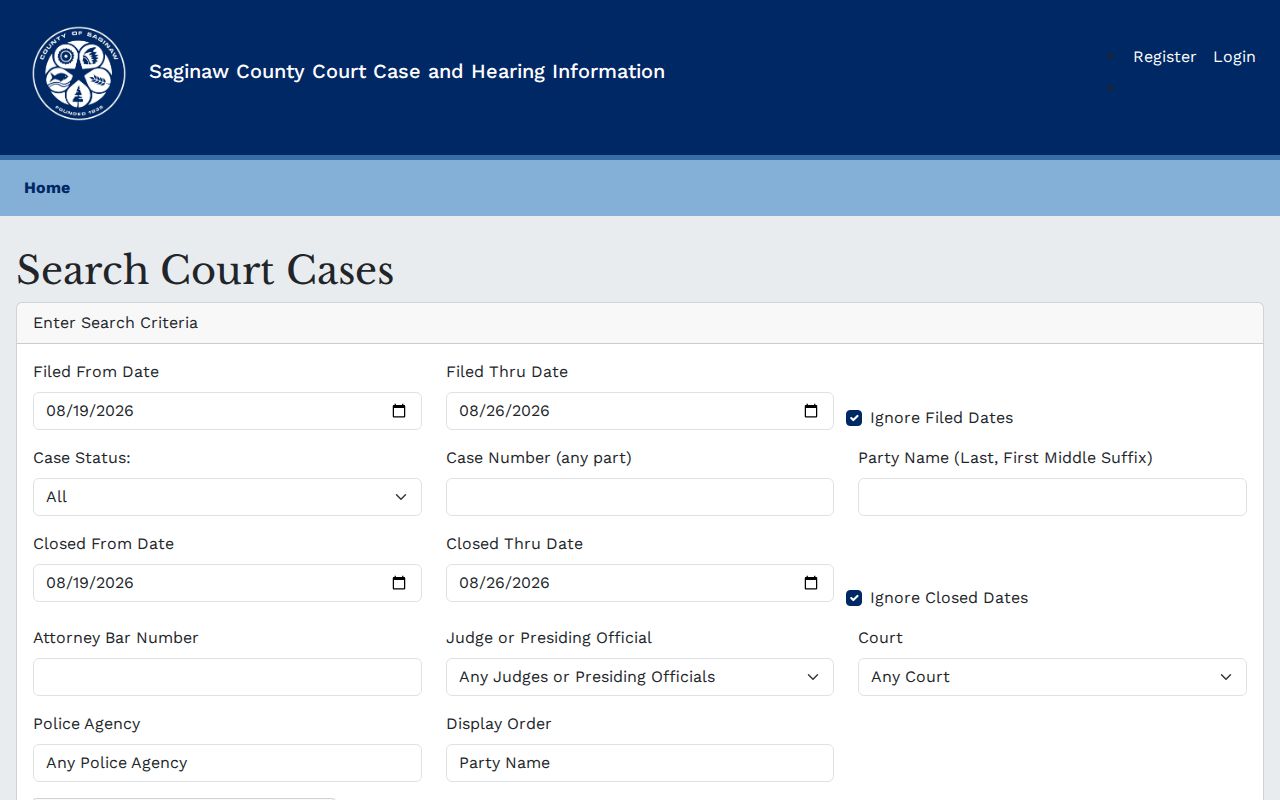
Filters narrow a Saginaw case search without touching the underlying record. Choosing a court, a date range, or a case status simply trims the results down to the entries that actually matter.
Saginaw Name Case Search Conventions
Saginaw's Odyssey guidance asks for Last, First Middle Suffix on a party search. That order matters. Follow it before anything else when a result does not appear. The documented wildcard is an asterisk. Partial terms work within the stated minimum lengths. Try an alternate spelling, different spacing, a hyphen change, or a partial last name before reaching for stronger filters, since a filter added too early can push the case out of the result list entirely.
For a common name, start with the court printed on the notice. Then add case status or a filing window. The county notice warns that spelling variations matter. Public names and birth dates can be unreliable. Treat a party row as a lead. Compare it against the case number and the court location before drawing any conclusion.
Case Number Searches
A full case number is the clearest identifier. Saginaw publishes no single local case-number format, so do not invent a year prefix or a case code. Copy the number exactly as it appears on a notice or an existing result. Drop it into Case Number (any part). Punctuation can block a match. Retry the search without it where the portal allows.
Once a match opens, check its court location and party details against the document in hand. The same portal serves several courts. The court of record is still the place to confirm an official filing or request a copy. The Circuit database covers cases filed from 1985 forward. Treat that figure as an index clue rather than a promise that every record is there.
Saginaw Case Search Portal Limits
A flood of results does not mean your case is missing. The county guide sets a 200-result ceiling. Trim the list instead. Add the court, the case status, a date window, the judge, an attorney bar number, a police agency, or a fuller name. Getting nothing back? Retry with different spacing, hyphenation, spelling, name order, or a partial term before assuming the case is absent.
The two sets of date controls deserve special care. The Case Search form uses filed-from and filed-through dates and offers an Ignore Filed Dates choice. Closed-from and closed-through fields come with their own separate ignore option. The visible form can show model-level date requirements even when an ignore option is selected. Follow the current form validation. Do not assume an open-ended search needs dates. A narrow range can hide an older case. A broad range can make a common name impractical.
Search type sets another boundary. Court choices split into Circuit Civil, Circuit Criminal, District Civil, District Criminal, Probate, and Traffic. A felony complaint can pass through an early District stage before a later Circuit file opens. Probate keeps its own record set. If a result looks close but sits in the wrong court category, search the category named on the notice. A similar party name is not the same case. The portal's police-agency list runs broad and includes legacy values, so the exact case number remains the better local identifier.
Public search is an index. A matching name is not identity verification, and a result does not turn the portal into a document repository. The county directs a person seeking a filed document to the responsible court office.
Case Search Results Explained
A result list typically shows Case Number, File Date, Type, Status, and Location. Open a case for more detail. Odyssey organizes the detail view into Case Information, Party, Events and Hearings, and Financial sections. The docket is the chronological display of events. A Register of Actions is the clerk's term for the case-history record. ROA is the short form. You will see that term on the Circuit copy request form.
| Case Information | Case identity, type, location, filing date, status, and judge. |
|---|---|
| Party | Participant and attorney rows, not a means of identity verification. |
| Events and Hearings | Chronological filings, procedural events, and settings. |
| Financial | Public assessments, payments, balances, or related entries when shown. |
| Documents | Not a promise that filed pleadings or exhibits are online. |
A canceled or adjourned hearing can still show up in a Saginaw County docket search, depending on the filters you pick. The entry that matters is the live one. Confirm the active setting with the court itself or with a later docket event.
Saginaw Docket Terms
The Saginaw County portal sorts results into labeled areas. Each one answers a different question. "Events and Hearings" collects case activity and scheduled proceedings. "Disposition" marks the entry or status that resolves a charge, claim, motion, or the whole case. "Active" and "Inactive" are public-search labels. They are no substitute for reading the record. A continuance or adjournment simply moves a setting, so check the later date before assuming anything.
Case Information lets you compare the case number, location, type, file date, status, and judge. Party is the public participant row. Financial can show assessed amounts, payments, balances, and related entries when they are public. The official quick guide treats those areas as the path through a result. They also separate a hearing-date lookup from a request for a filed document. When the document you want is not in the public display, take the request to the Circuit, District, or Probate custodian. Do not run the portal search again.
The Saginaw Docket Search adds its own hearing-date range. It also lets you include or exclude canceled or adjourned hearings. That makes it handy once you have located the case and want its schedule.
Saginaw Docket Search Settings
Docket Search is the hearing-focused companion to Case Search. Its documented controls cover a lot. You get hearing-from and hearing-through dates, Ignore Hearing Date, a case-number field, party name, court, attorney bar number, judge or presiding official, issuing agency, display order, and the canceled-or-adjourned hearing choice. It answers when a known case is set. It does not answer whether a filed document can be downloaded.
Handle the setting filters with care. Leaving canceled or adjourned entries visible can explain the history of a moved hearing. Excluding them makes the live setting easier to spot. When the date is close or entries conflict, confirm with the responsible Circuit, District, or Probate court office.
Two Ways to Search: County and State
Saginaw's Odyssey portal is the direct local route. MiCOURT Case Search offers a free statewide alternative, with no registration for normal searching. Neither display replaces the record held by the responsible court.
| County Odyssey | MiCOURT Case Search |
|---|---|
| Searches participating Saginaw Circuit, District, Probate, and Traffic categories. | Searches participating Michigan courts as a statewide layer. |
| Offers local case, docket, hearing, court, status, judge, and agency filters. | Useful when the county portal is unavailable or statewide discovery is needed. |
| Documents are not offered through the public display. | Categories vary by court and display is not a completeness guarantee. |
Saginaw MiCOURT Case Search Exclusions
MiCOURT is a useful statewide fallback. Its public page says case categories vary by court. The listed exclusions can include adoption, juvenile and child-protective proceedings, juvenile guardianships, mental-illness matters, name changes, parental waivers, certain protective matters, wills, and other protected categories. Its criminal notice also says some older matters may not display. It also identifies a seven-year criminal-judgment filter.
Those limits do not mean no court record exists. They mean the statewide result is not complete. For a Saginaw file that does not appear, try the county portal when available. Then ask the court of record what public access applies under the governing rule or order.
Saginaw Case Search Fallbacks
If Odyssey is unavailable, start with MiCOURT. Then contact the Circuit Records, 70th District, or Probate office that keeps the file. The older Saginaw public-docket endpoint throws a runtime/server error, so treat it as unreliable. The courthouse Self-Help Center also offers public kiosks, scanners, and printers.
For a Circuit record, call Circuit Records and Filing at (989) 790-5540. District Civil, Criminal, and Traffic each have separate division lines. Probate has its own Register. Tell the office the case number, court category, and whether you need a hearing confirmation, ROA, or document copy. That routing detail matters. It keeps an online result from landing with a clerk who does not hold the official file. The Eastern District of Michigan contact page lists the separate federal court contact route.
County searches do not include federal cases. When a notice names a court outside Saginaw County, you need a separate federal court source.
Which Cases Stay Restricted
Michigan Court Rule 8.119 makes court records generally public. A court rule, statute, or court order can restrict them. It does not put every category, document image, or historic file online. Juvenile, adoption, child-protective, mental-health, sealed, suppressed, and other protected matters can be absent or limited.
MiCOURT separately lists exclusions. These can include juvenile and child-protective proceedings, juvenile guardianships, name changes, certain protective matters, wills, and other protected categories. Ask the court that maintains the case what inspection or copy access applies. Never try to bypass an access control.
Saginaw Case Search Outside County Court
Federal cases sit outside the Saginaw County Odyssey layer. The federal court system runs its own access services, and they should not be confused with county case records. That division matters when a notice identifies a federal court, even when the parties or events have a Saginaw connection. PACER is the federal judiciary's public case access service.
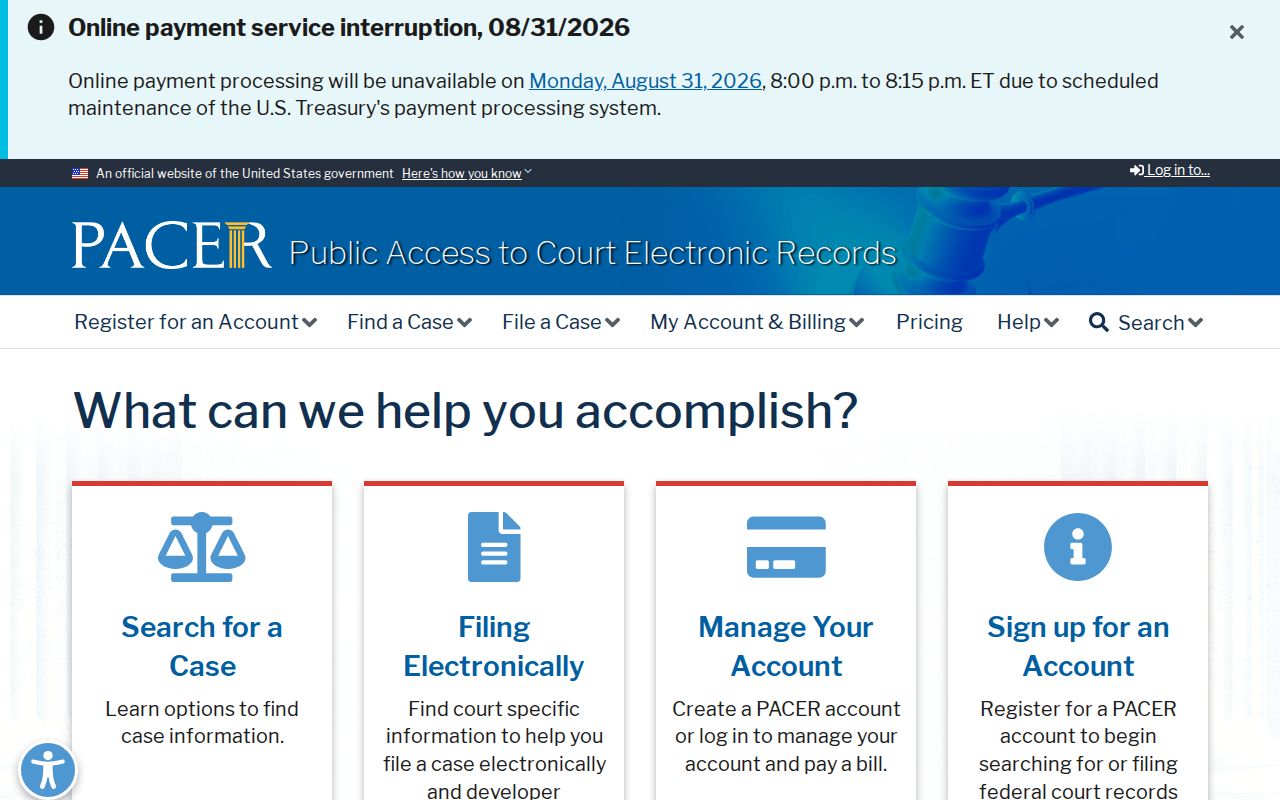
Use the court name on the notice to choose between the county Odyssey and MiCOURT routes and the separate federal path. CourtListener offers another public federal docket source where RECAP coverage exists.
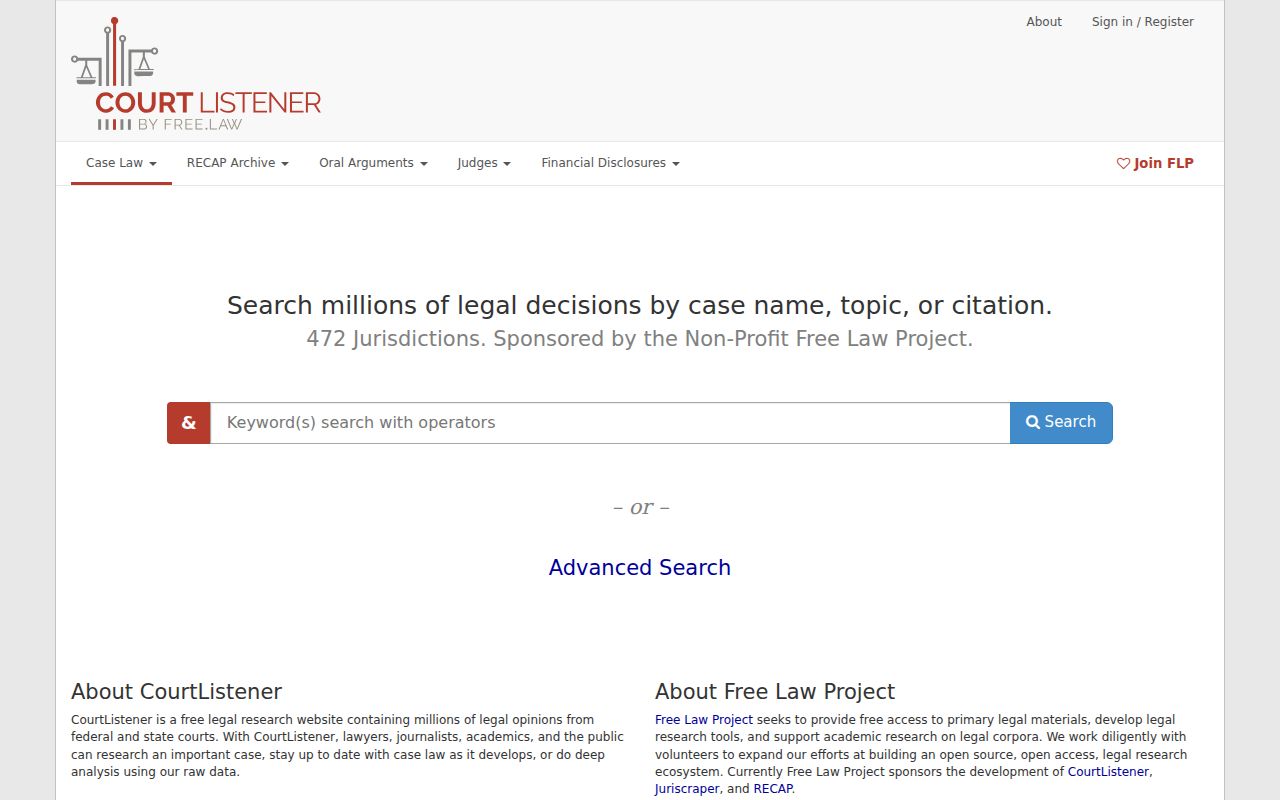
That federal tool covers federal matters only; the official Saginaw County court docket still sits with the county clerk.
One portal disclaimer still matters: displayed information may be incomplete. The responsible court answers questions about the official record.